


DJ Techtools Midi Fighter Twister black

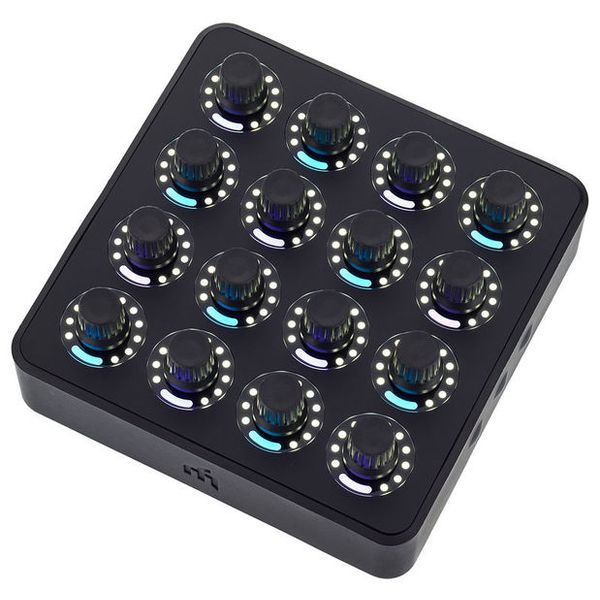
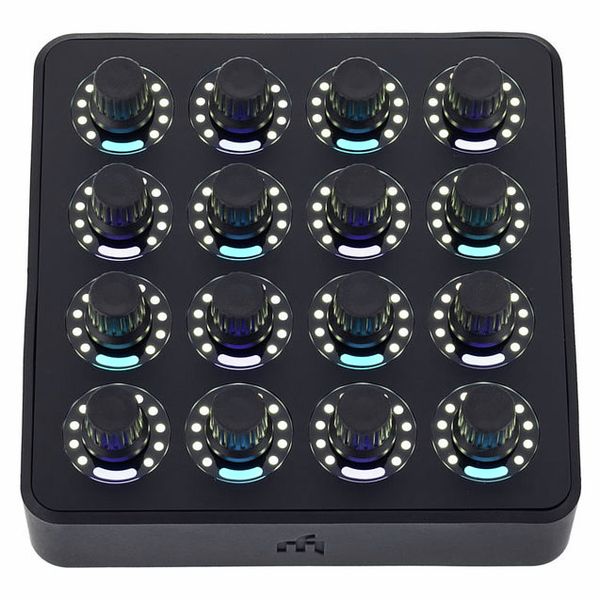
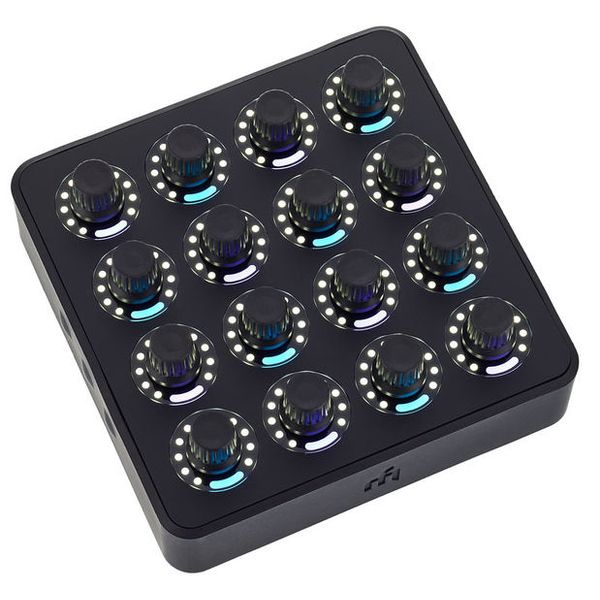
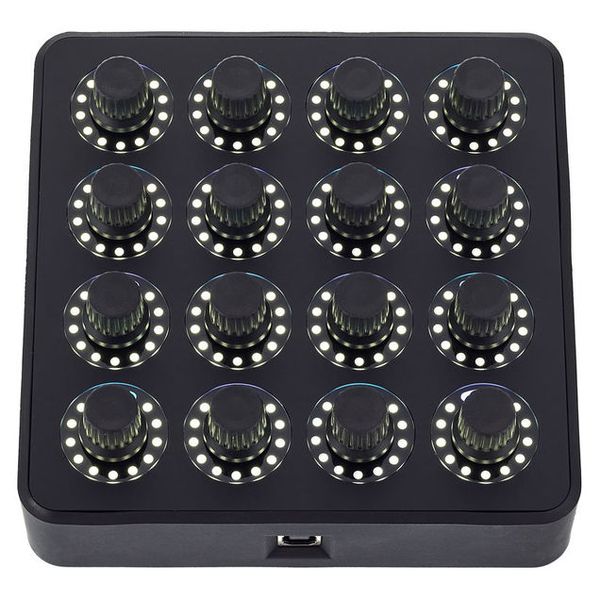
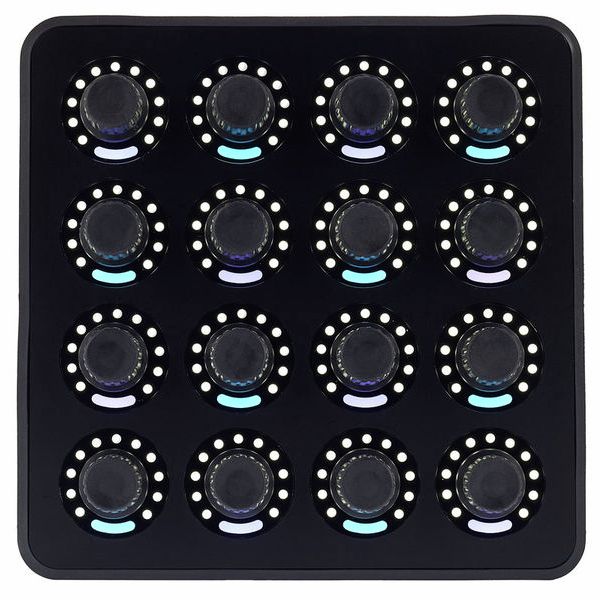
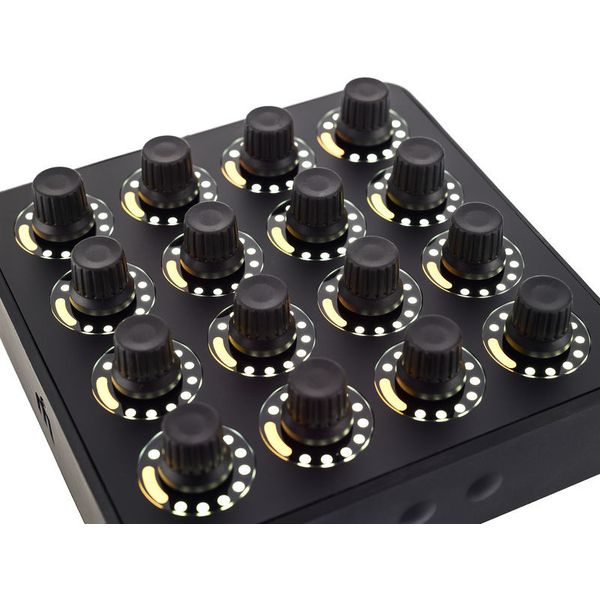
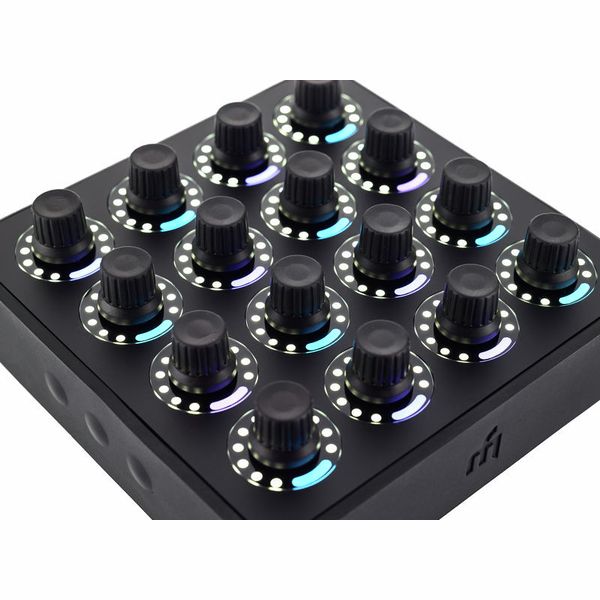
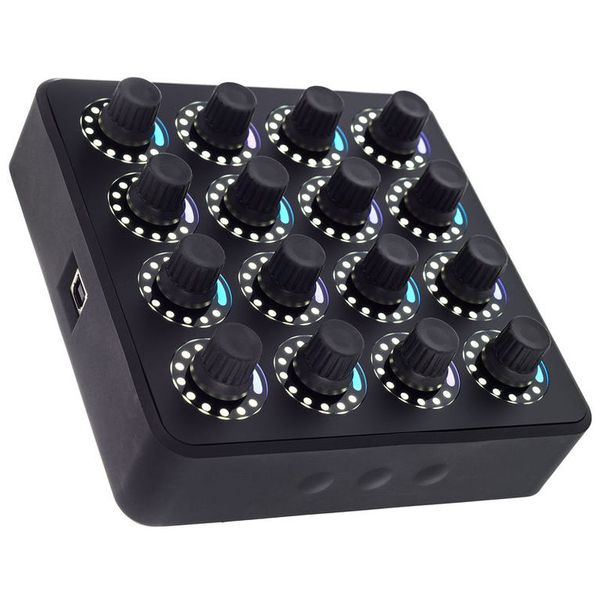
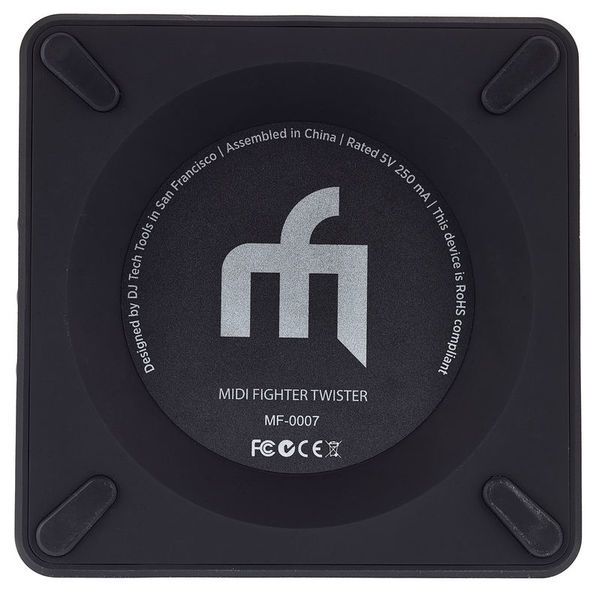
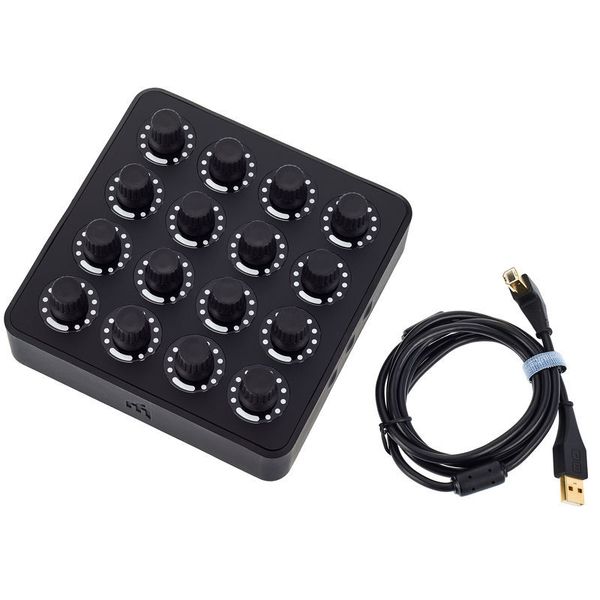


USB Controller
- 16 high-resolution encoders with Chroma Cap push switches
- 6 side-mounted shift/function buttons
- Each encoders provides 11-stage LED feedback
- Save presets on 4 banks
- Class compliant
- Compatible with any MIDI-capable software
- Configurable with the Midi Fighter Utility Software (included)
- Powered by USB
- Traktor Step Sequencer preset
- Dimensions: 154 x 154 x 57 mm
- Weight: 550 g
- Colour: Black
-
Available since June 2014
-
Item number 342847
-
Sales Unit 1 piece(s)
-
USB Yes
-
Bluetooth No
-
5-pole DIN MIDI No
-
Ethernet No
-
Fader 0
-
Rotary Encoders 16
-
Audio I/O No
-
Transport Function No
-
Footswitch connection No
-
Foot Controller Connection No
-
Bus-Powered Yes
-
Jog No
-
Joystick No
-
Additional Features Free programmable
-
Pads 0
-
Rotary Knobs 16
-
Fader(s) 0
-
Turn the wheel!
The Midi Fighter Twister is a compact USB controller designed primarily for DJs and producers, combining a robust build with a straightforward layout. It features an array of 16 endless rotary encoders, each of which can be freely assigned to suit different workflows. Three virtual layers allow control of up to 48 MIDI parameters, while every encoder also includes a push function for additional flexibility. Coloured LEDs offer a choice of visual feedback and colour schemes, all of which can be customised using the comprehensive MIDI Fighter Utility, along with MIDI channels and control modes. The result is a versatile controller that adapts easily to a wide range of setups.
)
Full control
The rotary encoders are at the core of the DJ Techtools Midi Fighter Twister, offering a range of control options for different applications. They can be assigned to standard parameters such as volume or send levels, while the integrated push function provides access to secondary commands like mute. A potentiometer mode with a centre detent places the zero point in the middle of the control range, allowing adjustments in either direction before a press returns the value to the centre. The encoders can also operate as continuous controls, making them suitable for parameters without fixed upper or lower limits. This mode is equally useful for tasks such as browsing folders or navigating through libraries in DJ software.
)
A versatile control freak
Like other the controllers from DJ Techtools, the Midi Fighter Twister is designed primarily for DJs and live performers, with a range of pre-configured mappings for software including Ableton and Native Instruments Traktor. These mappings can be adapted to suit individual workflows or replaced entirely with custom layouts. The controller is equally at home in the studio, providing quick access to commonly used DAW parameters while making it easy to record automation in real time for more natural and expressive results. This versatility allows it to integrate smoothly into both live performance and music production setups.
)
About DJ Techtools
Ean Golden (born January 17, 1980) is a San Francisco-based DJ, designer of DJ equipment and founder of the blog "DJ TechTools". He founded the DJ Techtools company in 2006 as an extension of his Remix column, which focused on the training of digital DJs. He now runs the company. Golden has played a significant role in the development and design of controller-based DJ equipment, including lead design credits for Midi Fighter, Midi Fighter 3D, Traktor Kontrol S4, Novation Dicer and Chroma Caps. Furthermore, Golden continues to work on bringing his own versions of controllers to market (in the past, these have included the Ean-Golden editions of the Vestax VCI-100 and VCI-400).
Equipped for anything
Planning a last-minute DJ set is straightforward with the Midi Fighter Twister, as the bottom row of encoders can be assigned to Traktor volume faders, the second row to filters, and the top two rows to effects, creating a compact four-channel controller. The remaining pages can then be configured with functions such as track loading or other custom assignments to suit the performance. A built-in sequencer on the fourth page can also be used to control Traktor's Remix Deck, making it possible to add new elements or reshape existing tracks during a set. This flexible layout allows the controller to adapt quickly to different performance styles and requirements.
This is what customers who viewed this product bought

Accessories & matching items
Compare options
-
DJ Techtools DAW Controllers at a glance
-
Display DAW Controllers from $ 250 - $ 350
-
Go to product group DAW Controllers
-
Go to product group Miscellaneous Controllers
-
Go to product group Controllers
-
Go to product group Studio and Recording Equipment
-
Show manufacturer details for DJ Techtools
-
DJ Techtools Studio and Recording Equipment at a glance