


Yamaha URX22 WH

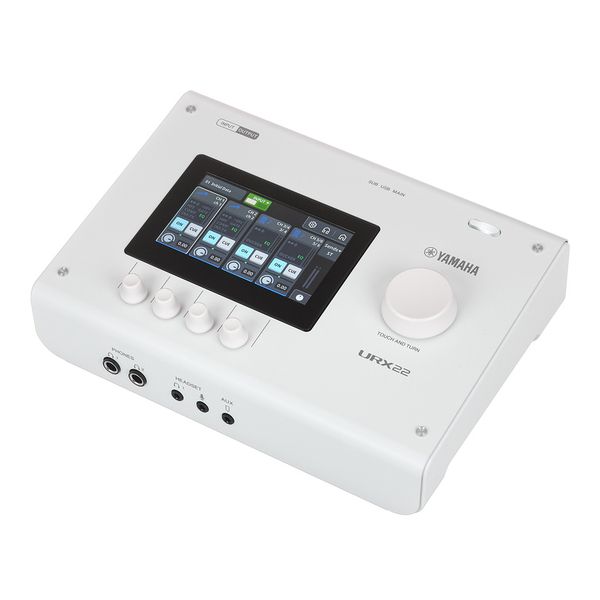


2-Channel USB 2.0 Audio Interface
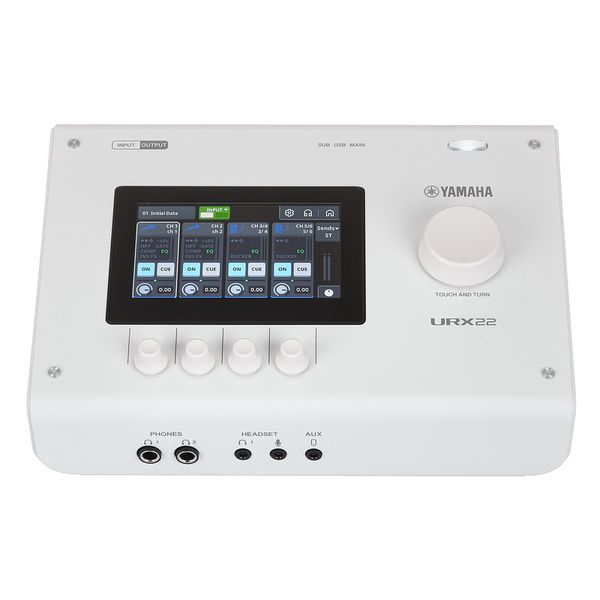
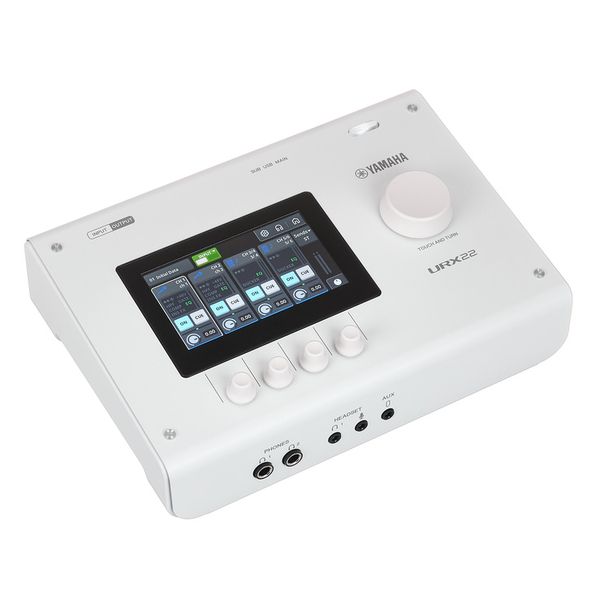
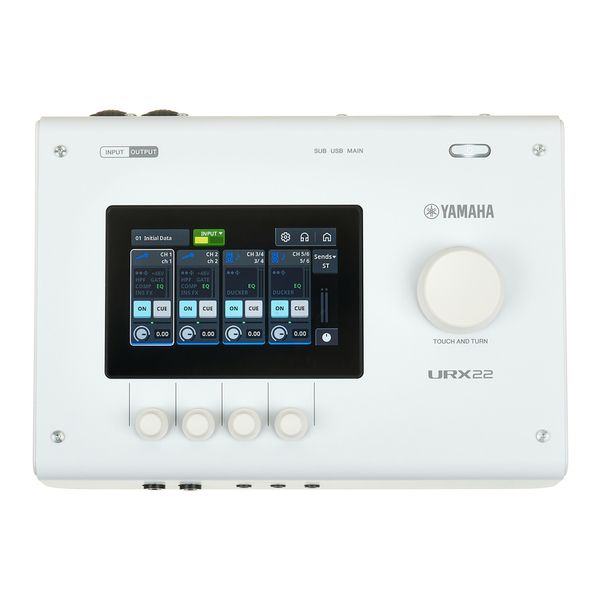
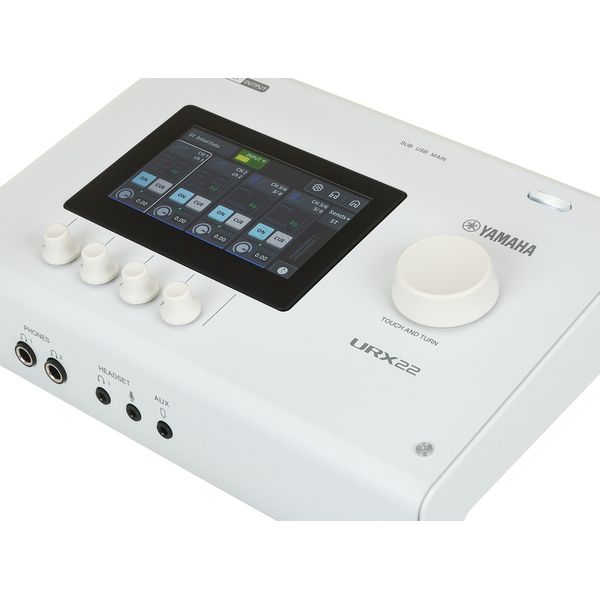
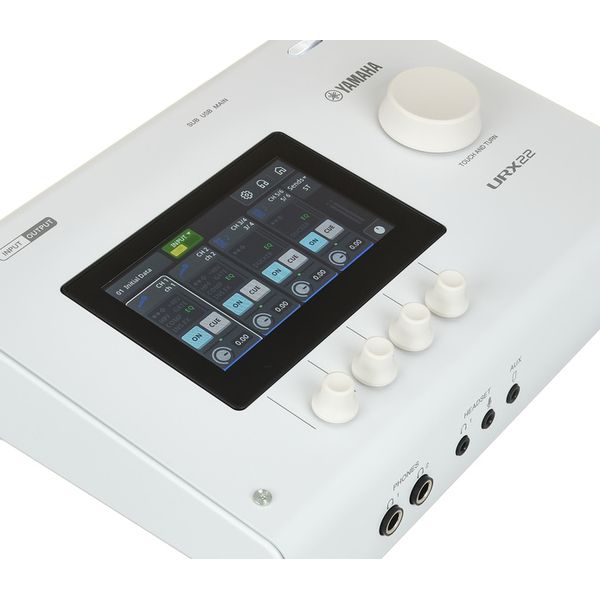
- With 4.3" touch screen
- 32 bit / 44.1 - 192 kHz
- Four rotary controllers under the display and a large "Touch & Turn" rotary controller
- Built-in DSP
- +48 V phantom power
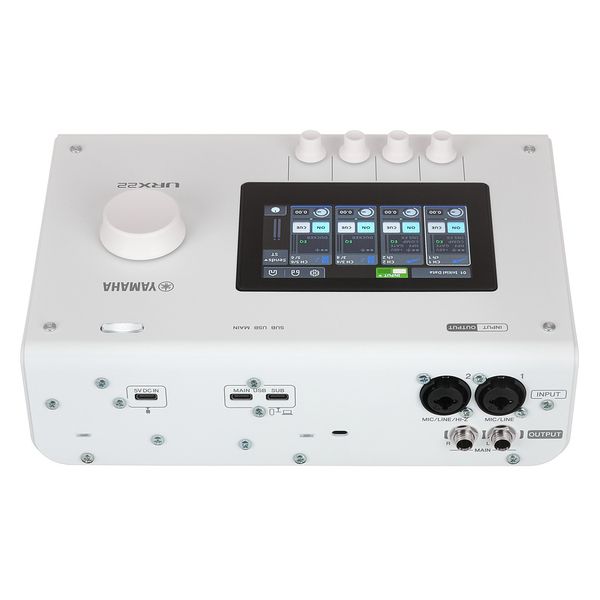
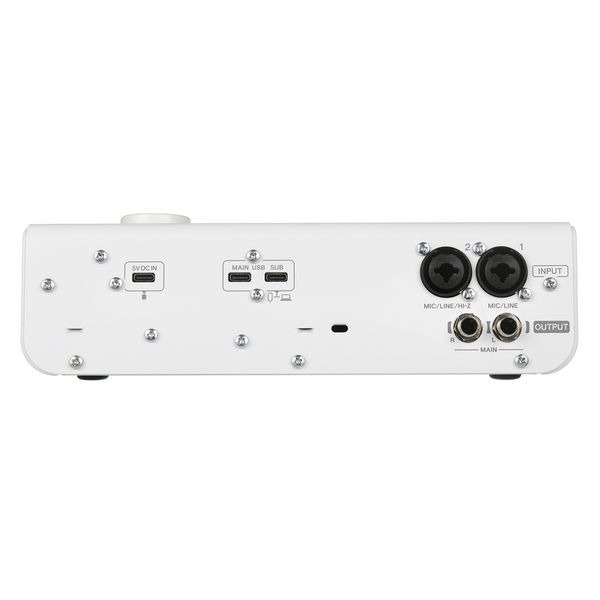
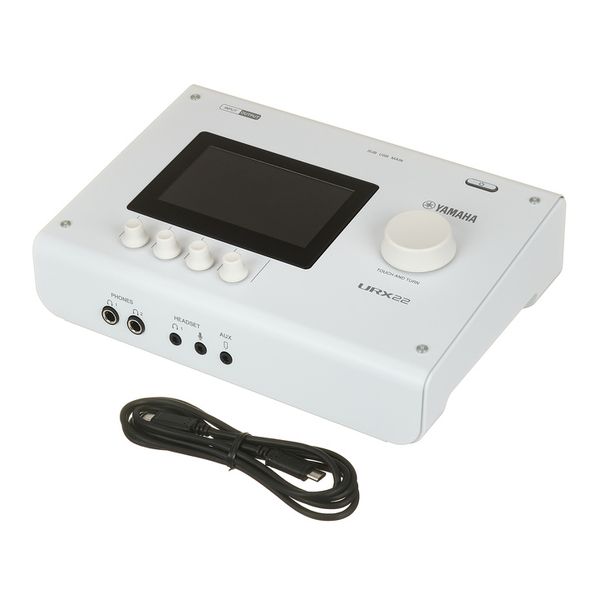
- Two microphone/line combo inputs: XLR/6.3 mm jack (input two can be used as a Hi-Z instrument input)
- Two line outputs: 6.3 mm jack
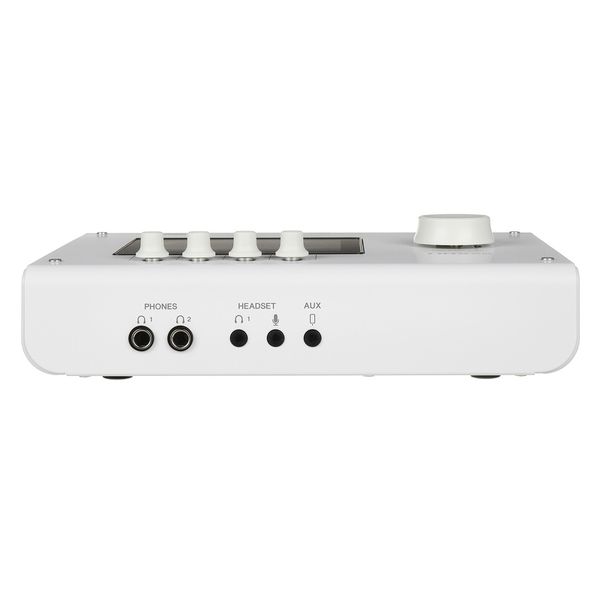
- Two stereo headphone outputs: 6.3 mm jack
- One headset connector with microphone input: 3.5 mm mini jack
- One headphone output: 3.5 mm mini jack stereo
- One aux input: 3.5 mm mini jack stereo
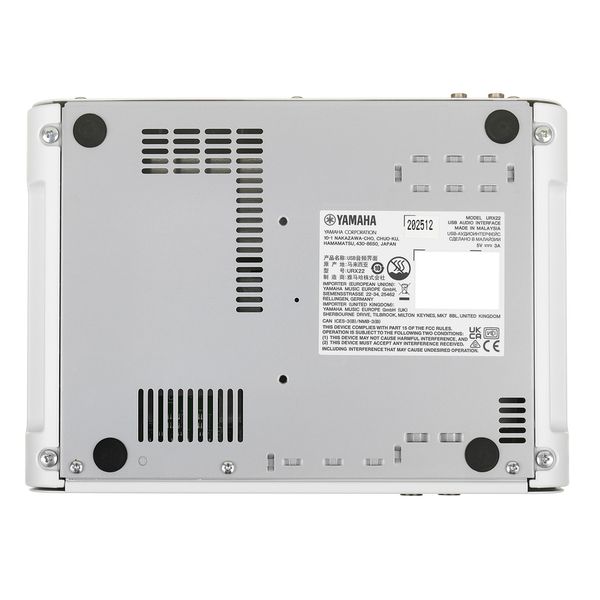
- Three USB-C ports: 2x data, 1x for external power supply DC5 V / 3.0 A
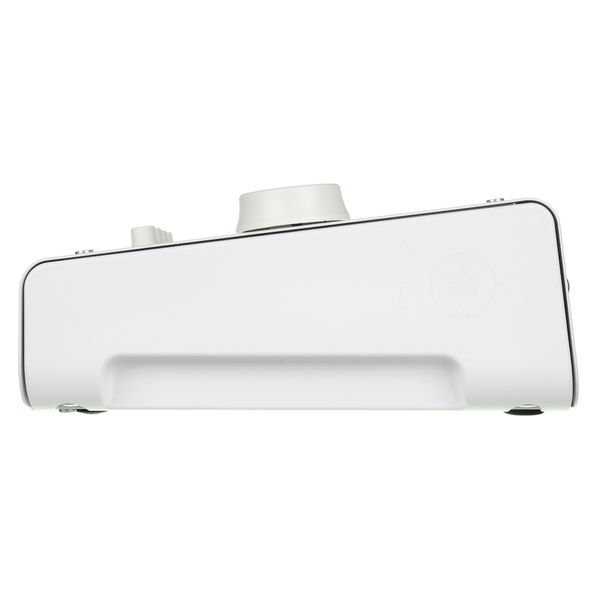
- Dimensions (W × H × D): 245 × 78 × 182 mm
- Weight: 1.9 kg
- Colour: White
- Includes Cubase AI + WaveLab Cast, Steinberg Plus and USB 2.0 cable (Type-C to Type-C, 1.5 m)
-
Available since January 2026
-
Item number 634389
-
Sales Unit 1 piece(s)
-
Recording / Playback Channels 2x2
-
Number of Mic Inputs 2
-
Number of Line Inputs 2
-
Instrument Inputs 1
-
Number of Line Outs 2
-
Headphone Outs 2
-
Phantom Power Yes
-
Number of S/PDIF Connectors 0
-
Number of ADAT Connectors 0
-
Numer of AES/EBU Connectors 0
-
Number of MADI Connectors 0
-
Ethernet 0
-
Other Connectors USB
-
MIDI interface No
-
Word Clock No
-
Max. Sampling Rate in kHz 192 kHz
-
Max. Resolution Rate in Bits 32 bit
-
USB Bus-Powered Yes
-
Incl. power supply No
-
USB Version 2.0
-
Width 245 mm
-
Depth 182 mm
-
Height 78 mm
-
Connection Format USB port Type C
-
Included in delivery USB-C Cable
-
Zero latency monitoring Yes
-

One interface, every workflow
The Yamaha URX22 is a portable and versatile audio interface designed for musicians, streamers, podcasters, and content creators – combining high-quality recording, onboard DSP processing, and flexible, hands-on control. At the front end, it features two high-quality mic preamps on combo XLR inputs (including one Hi-Z instrument input), high-resolution AD/DA conversion, and a comprehensive DSP system with per-channel processing, internal effects including ducking, and an internal mixer. All parameters can be adjusted via the intuitive 4.3" touchscreen and five encoders, providing immediate access to routing, processing, and system settings without relying on external software. This allows the URX22 to adapt quickly to different workflows – from DAW-based recording to streaming and content creation – with preset configurations supporting fast transitions between applications. A front-panel headset input/output further supports communication-based workflows, while an auxiliary input allows external audio sources to be brought into the mix when required.

)
True Sound processing and touchscreen control
The URX22 is equipped with two microphone preamps based on Yamaha's True Sound philosophy, offering low-noise, low-distortion signal capture with a dynamic range of up to 115dB, supported by high-resolution 32-bit/192kHz conversion. Gain is set directly via the rotary controls, while the onboard DSP provides real-time processing on each input channel – gate, compression, and EQ – allowing signals to be shaped at source for recording or broadcast. Internal effects include pitch correction, amp simulation, and reverb, with all parameters and routing options accessible via the encoders or touchscreen, supporting both quick adjustments and precise fine-tuning. Processed signals can be monitored directly and routed to the main or headphone mixes, allowing the URX22 to operate as a self-contained processing and mixing front end.
)
From bedroom to broadcast
Beyond the obvious use cases of singer-songwriters and content creators, the Yamaha URX22 will appeal to anyone working regularly with speech or music – influencers, journalists, presenters, and streamers alike. Integrated assistive tools such as auto gain, ducking, and preset recall simplify common production tasks, reducing setup time and keeping the focus on performance and content. The clearly structured interface supports both quick operation and more detailed adjustment, while Simple Mode provides a streamlined entry point for less experienced users. In dynamic environments such as live presentations, interviews, or streaming setups, the URX22 maintains stable and predictable operation, with an integrated delay function allowing users to precisely compensate for audio latency when working with video.
)
About Yamaha
For decades, Yamaha has been one of the world's best-known manufacturers of musical instruments and audio technology. The Japanese company's long history began at the end of the 19th century with the harmonium. The product range has constantly expanded since then, which has made Yamaha one of the few manufacturers today to offer almost the entire range of existing musical instruments: From upright and grand pianos to guitars, wind instruments, and bowed string instruments and from drums and percussion to electronic keyboards and synthesizers. Yamaha is also a major force in the field of audio engineering as a manufacturer of mixing consoles, amplifiers, PA systems, and more. Yamaha's guiding principle is to combine traditional craftsmanship with state-of-the-art technology.
Seamless integration
Compatible with OBS Studio, Elgato Stream Deck, and similar production tools, the Yamaha URX22 integrates cleanly into existing workflows. Its dual USB architecture allows flexible routing: the MAIN connection supports up to 16 channels of recording and playback, while the SUB USB port provides an additional 2-channel path for streaming, backup recording, or external playback. A comprehensive software bundle rounds out the package, featuring Cubase AI for recording, WaveLab Cast for post-production, and Steinberg Plus for virtual instruments and creative tools. Essential connectivity is well covered, with 48V phantom power, a Hi-Z instrument input, and dual headphone outputs for flexible monitoring. The robust all-metal chassis and high-quality controls mean the URX22 travels as well as it performs – equally at home on a studio desk or a mobile rig.
Accessories & matching items


Compare options
-
Yamaha USB Audio Interfaces at a glance
-
Display USB Audio Interfaces from $ 350 - $ 450
-
Go to product group USB Audio Interfaces
-
Go to product group Audio Interfaces
-
Go to product group Studio and Recording Equipment
-
Show manufacturer details for Yamaha
-
Yamaha Studio and Recording Equipment at a glance